
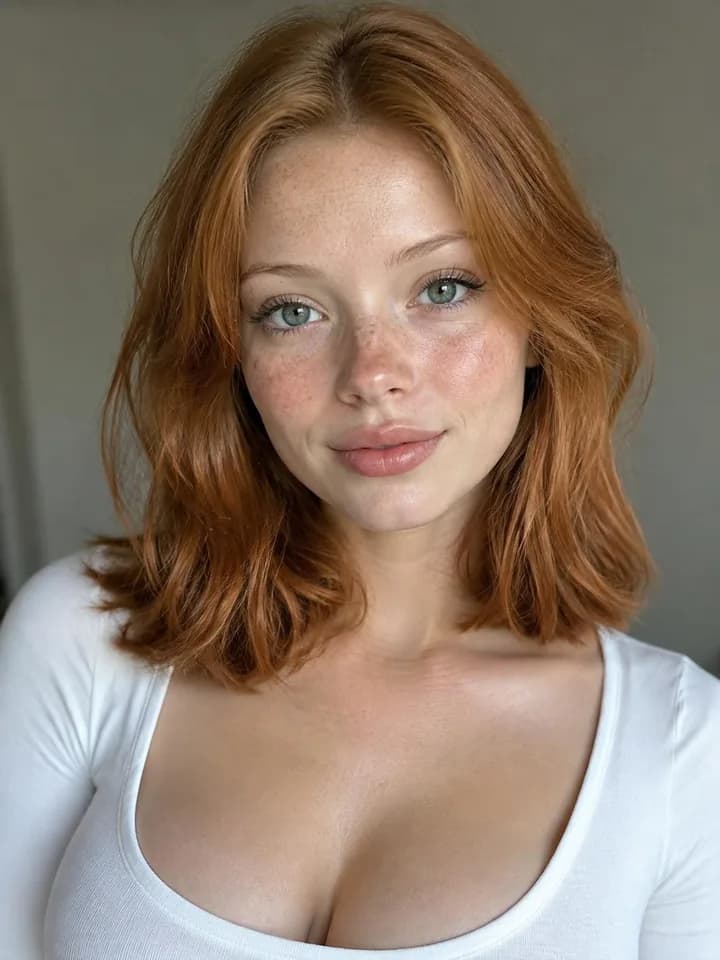
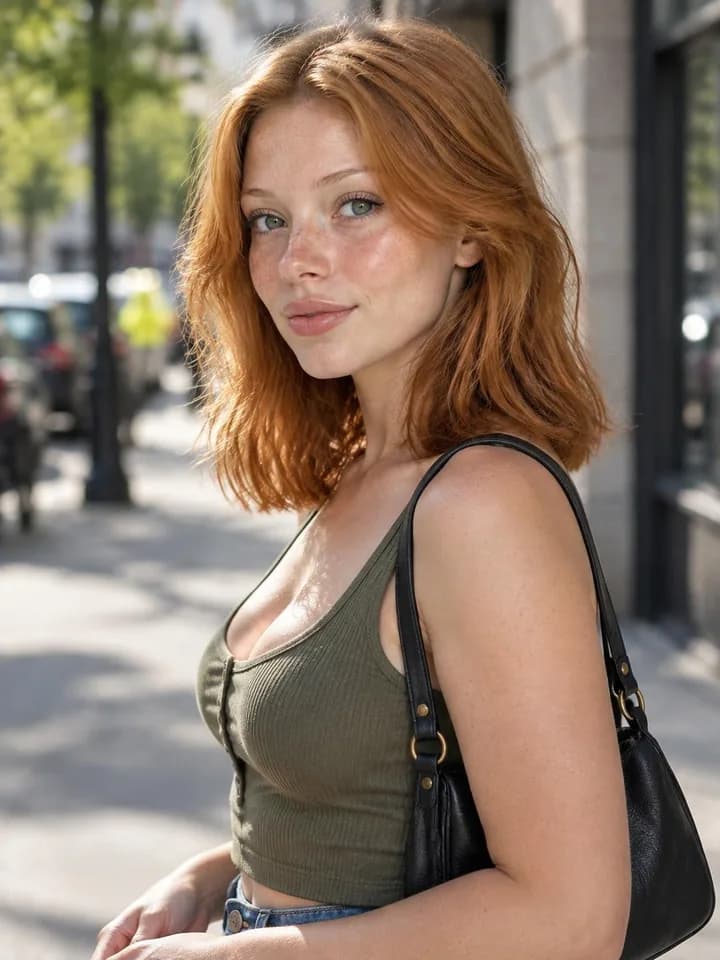
Create AI influencers who look the same in every photo and video, and make images and videos with leading AI models. One credit-based workspace, without subscriptions or ads.
Influencer photo Image · Nano Banana 2.1
 AlinaAlina at a rooftop café at golden hour…
AI influencers
Describe a fictional person, pick a face, and Nenis makes the reference photos that keep them consistent. Then put your AI influencer in any scene, in photos and videos.
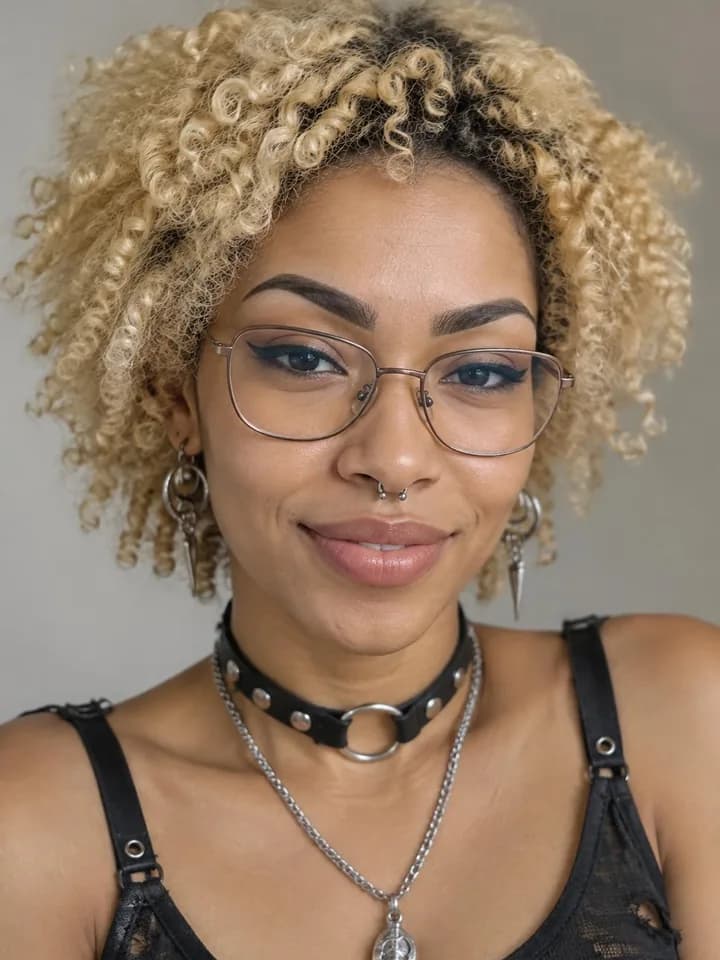
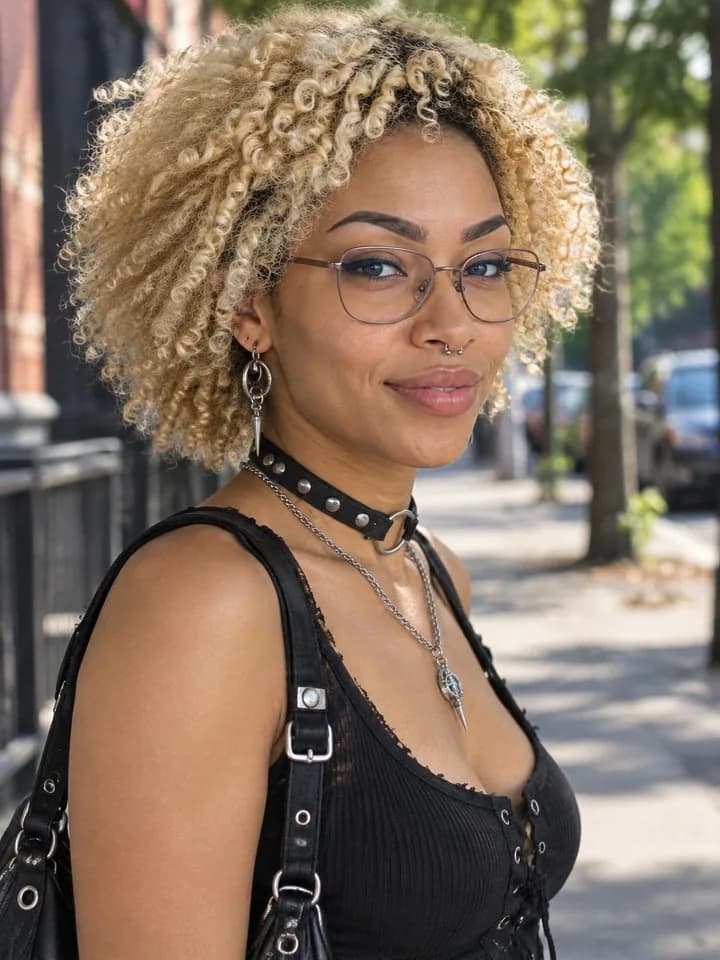
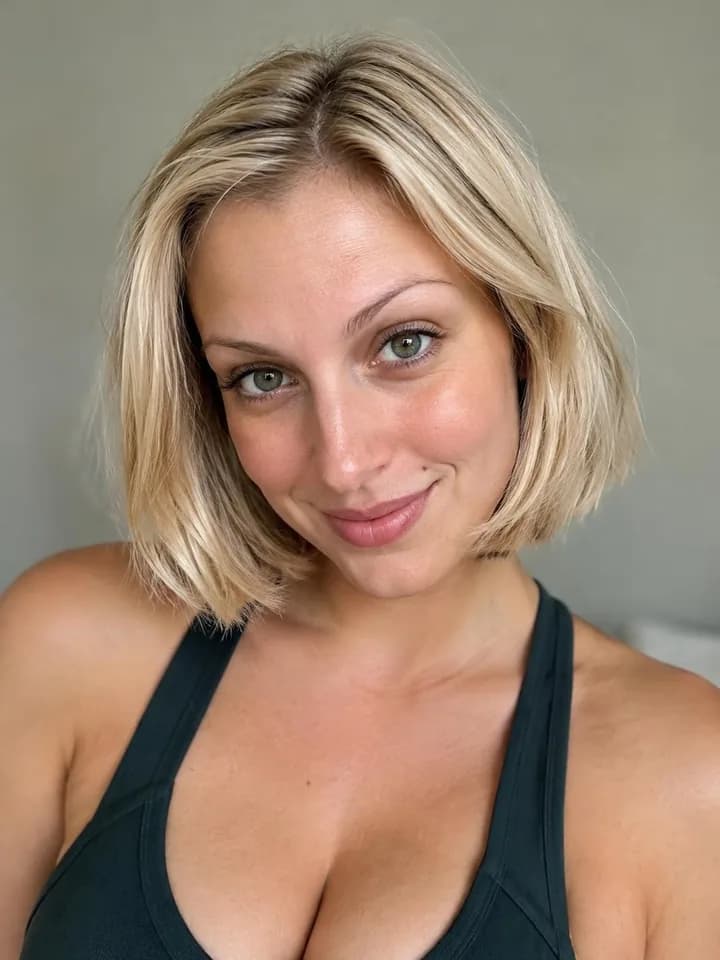
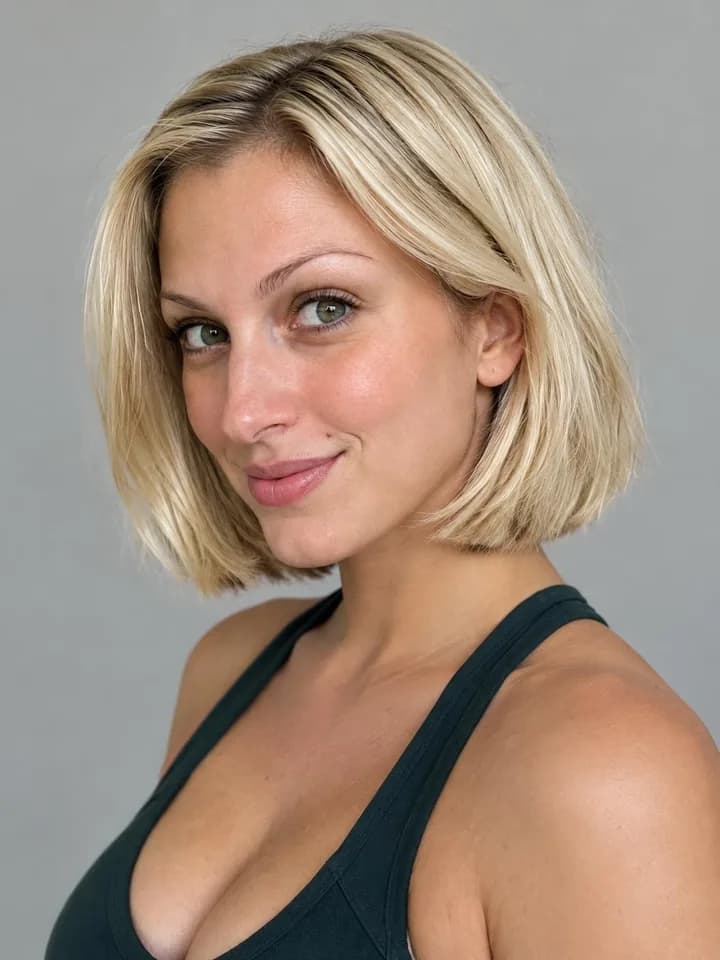
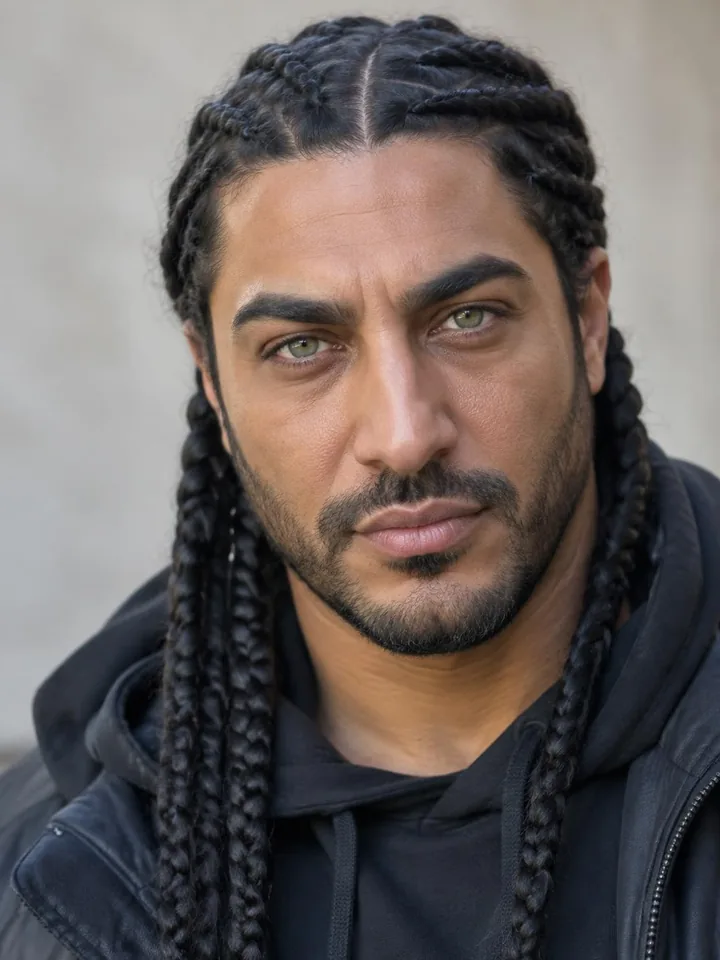
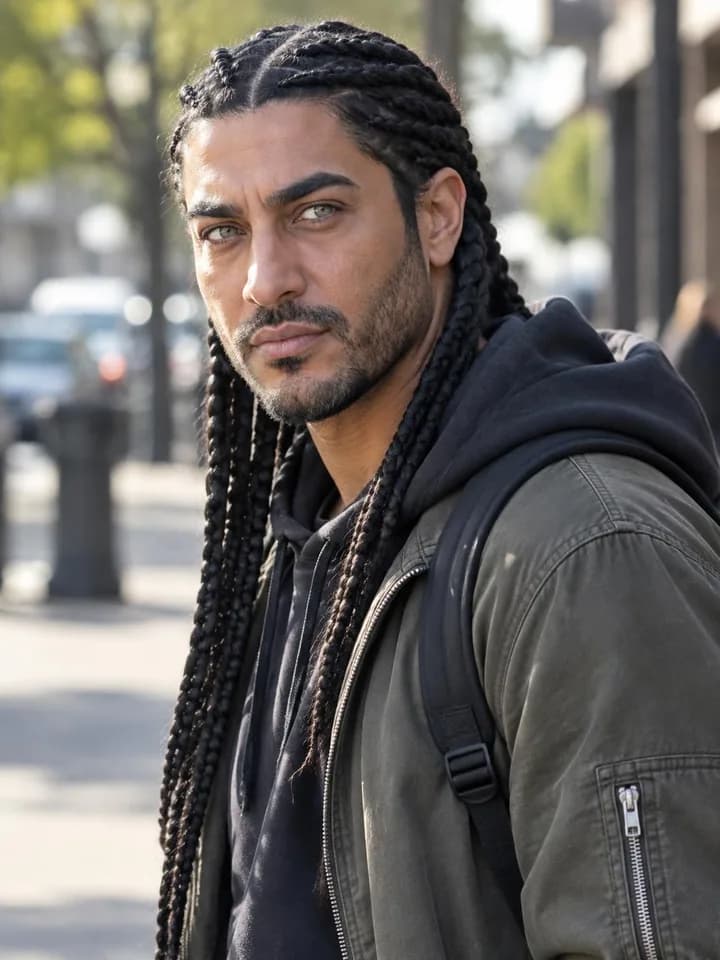
Every AI influencer is a fictional adult. Real people cannot be uploaded or copied.
2 video models, one studio
Wan 3.0 and Gemini Omni sit side by side in the video workspace. Choose by the job: a long take in the shape you need, or 4K and changes after the fact.

by Alibaba
One take up to 30 seconds, in landscape, portrait, square or 4:3. Also powers Put in a video for AI influencers.
Text to video · Animate image · First / last frames · References

by Google
Short videos up to 4K that you can change with a sentence afterwards, or continue past their last frame.
Text to video · Animate image · First / last frames · References · Edit · Extend
Made with Wan 3.0 in Nenis
8 image models, one studio
Choose based on the job. Nenis keeps the differences understandable, then shows the exact limits when you want to compare them.
The widest format range, web and image search, planning, and output up to 4K.
Can search the web before creating and return up to ten images in one run.

Accepts up to sixteen reference images and returns as many as ten results.
Google DeepMind
Grounded, high-resolution work with larger result batches.
Up to 4K · Web search · Planning
Google DeepMind
Flexible everyday creation across the widest range of formats, with sharper text.
Up to 4K · Web search · Image search · Planning
Google DeepMind
Quick, lower-cost iterations when 1K output is enough.
Planning
Google DeepMind
The previous Flash model, available until October 29.
Up to 4K · Web search · Image search · Planning
OpenAI
Fast everyday GPT Image work with many references and five quality levels.
Up to 4K · Transparent background
OpenAI
Precise GPT Image edits that are worth a little more time.
Up to 4K · Transparent background

ByteDance
Efficient high-resolution batches across common formats.
Up to 4K
ByteDance
High-resolution creation with up to ten results per run.
Up to 4K
What Nenis adds
The model is only one part of the job. Nenis keeps the setup, references, results, and finishing tools together so you can move without rebuilding your work in another app.
Choose a model, add references, and adjust only the controls it actually supports. Ratio, quality, search, and result count stay in one clear panel.
Model
Nano Banana 2.1
Ratio
4:5
Quality
High
Results
1
Guided templates turn common jobs into a short, useful brief. Add your subject, pick the look, and let the template handle the structure.
Choose a starting point
9 guided workflows, with your inputs carried into Create.
Turn a generated image into a ready-to-use file. Upscale at 2× or 4×, remove the background, and download the new version without losing the original.
Image workflow
Generated
Original saved
Upscale 4×
New version
Transparent PNG
Ready to use
Creations and their versions stay in your gallery with previews and downloads. Reopen a result in Create whenever you want to continue.
Recent creations
Saved automatically
Editorial portrait
2 versions
Ceramic product set
1 version
Living room study
1 version
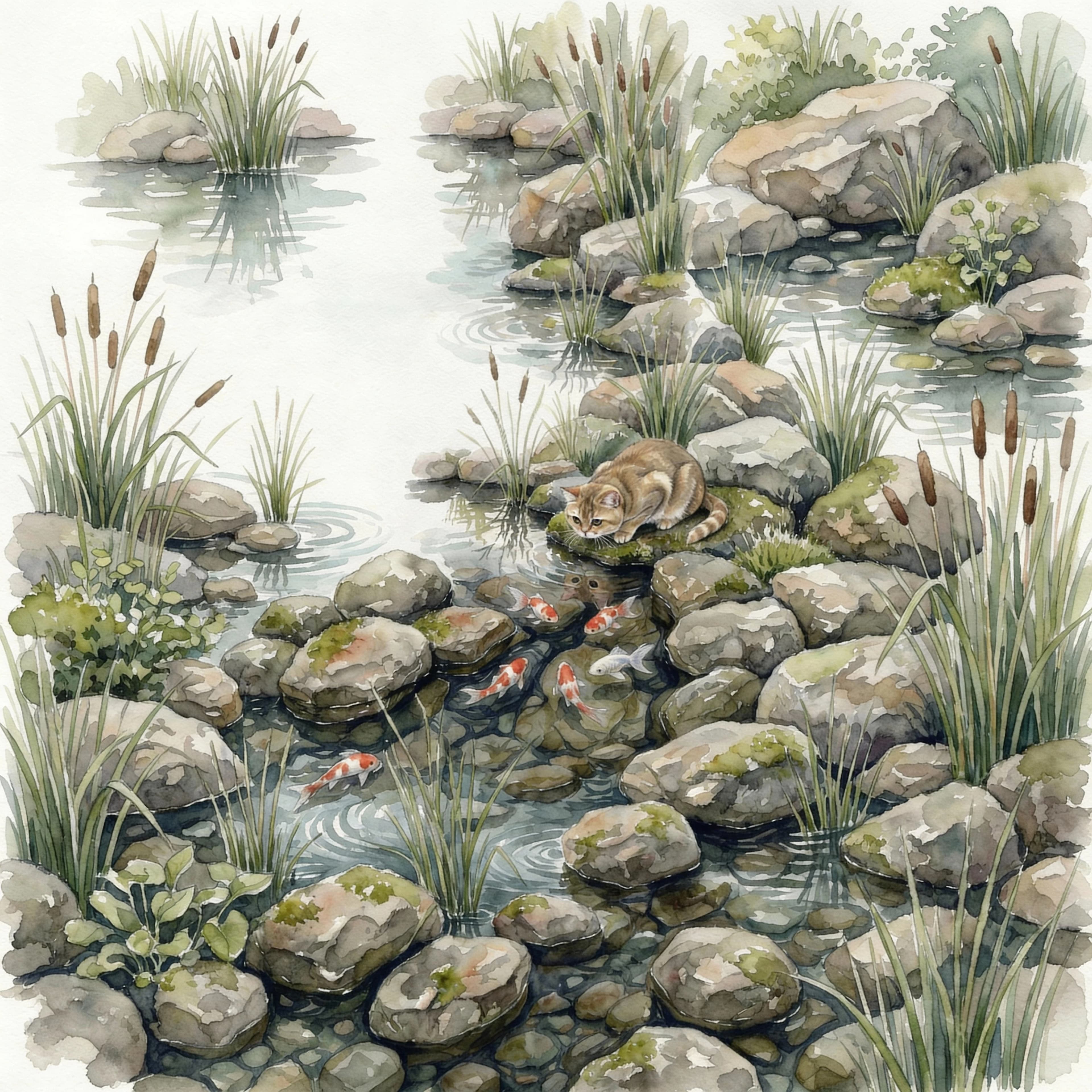
Model-native formats
Choose a format the selected model supports. Nenis sends the real ratio to the model instead of generating once and cropping afterward.
Nano Banana 2.1
10 guided templates
Upload the right input, make a few clear choices, and let a reusable Nenis workflow assemble the model settings and instructions.
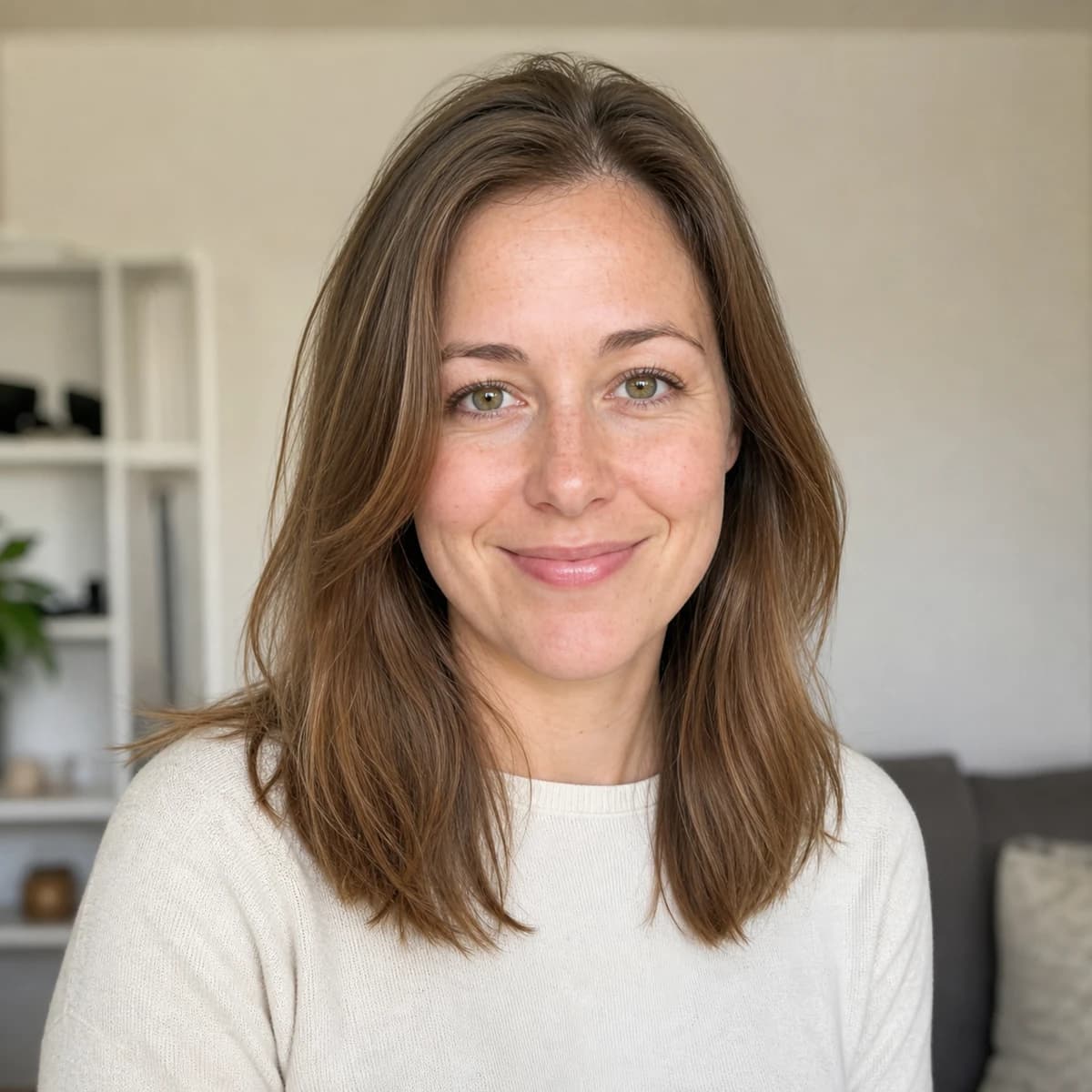

Professional portraits
Turn a clear portrait into a polished, natural professional profile photo.
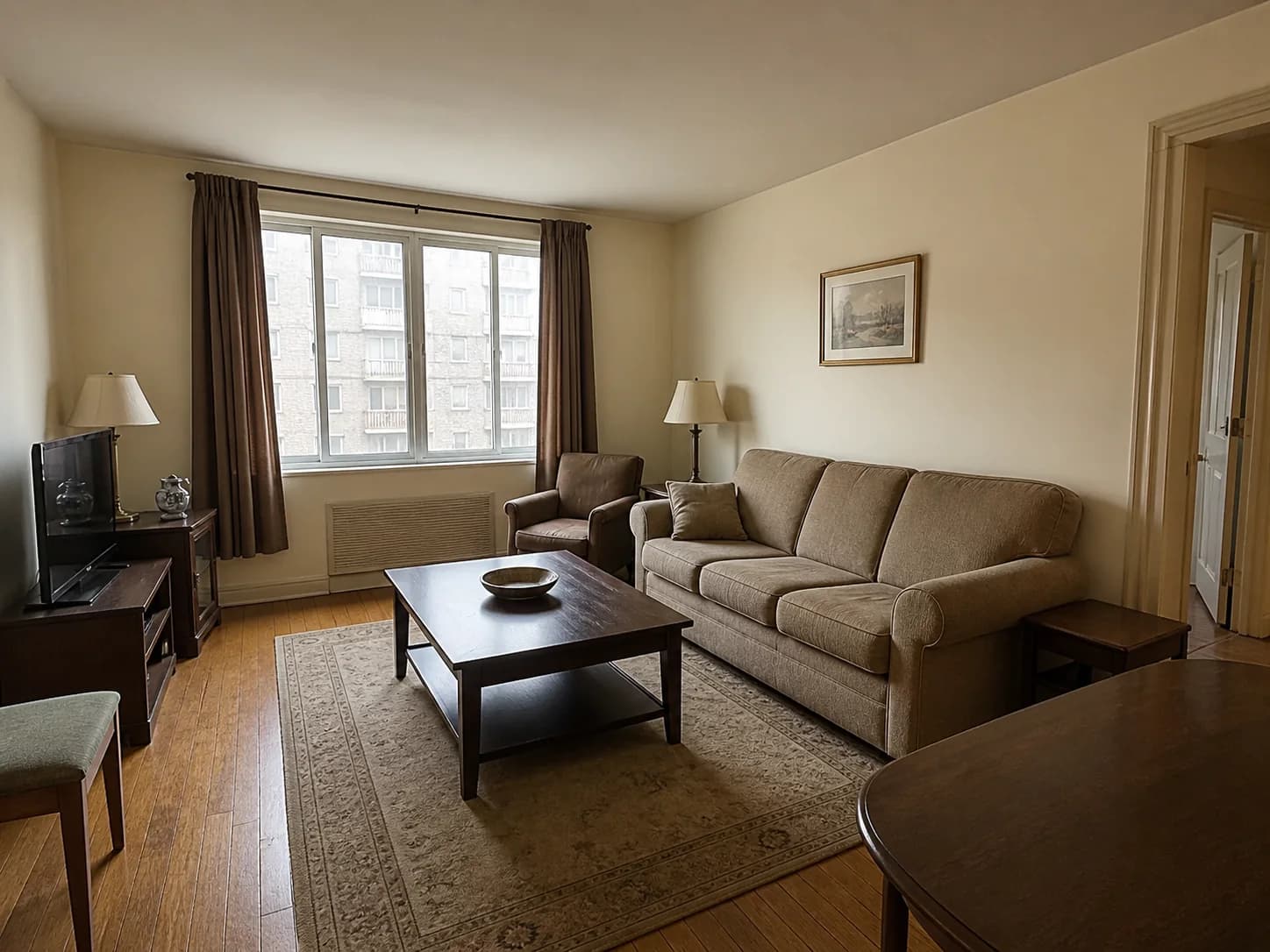
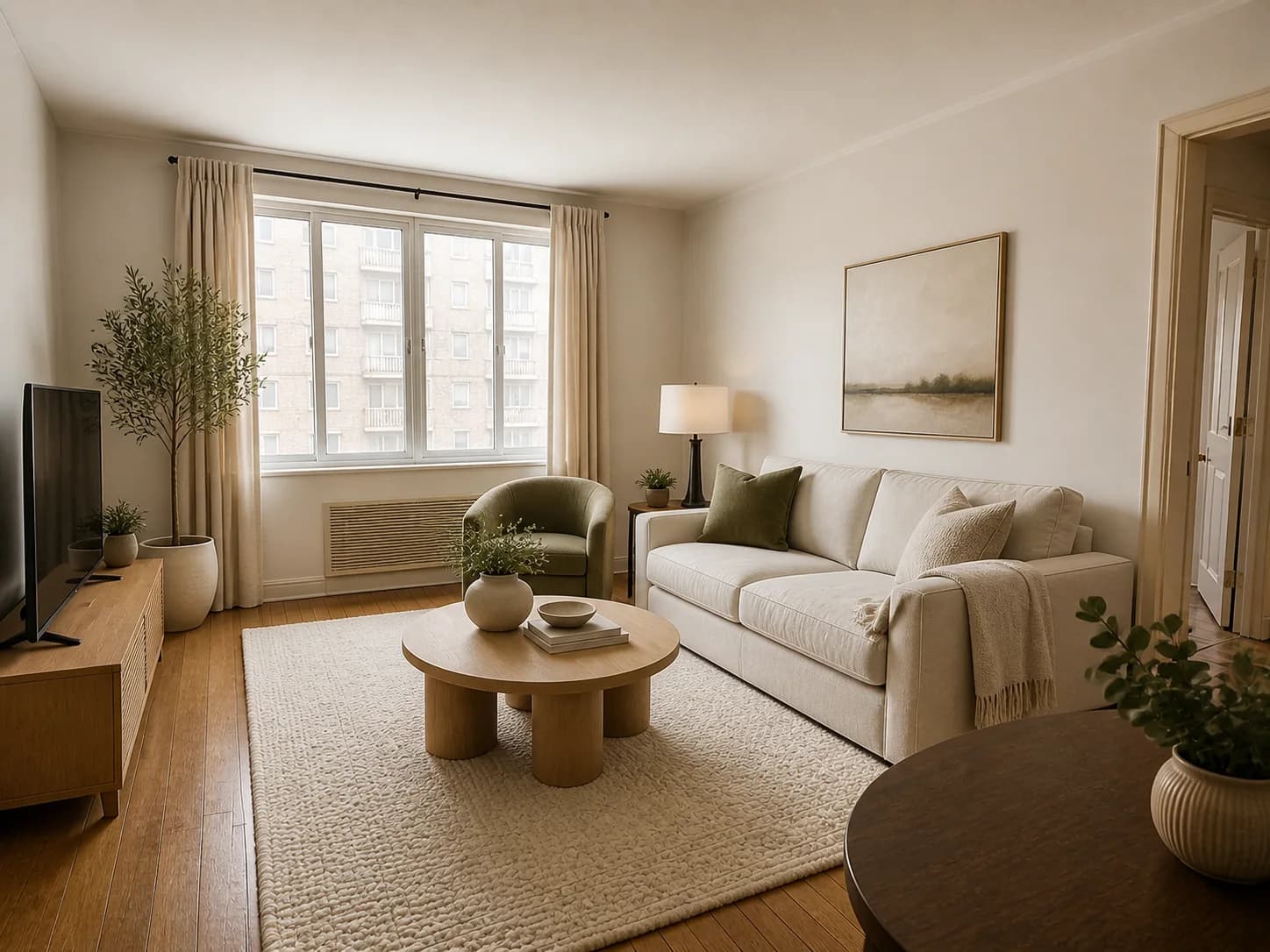
Interiors
Reimagine a room while keeping its architecture and perspective intact.
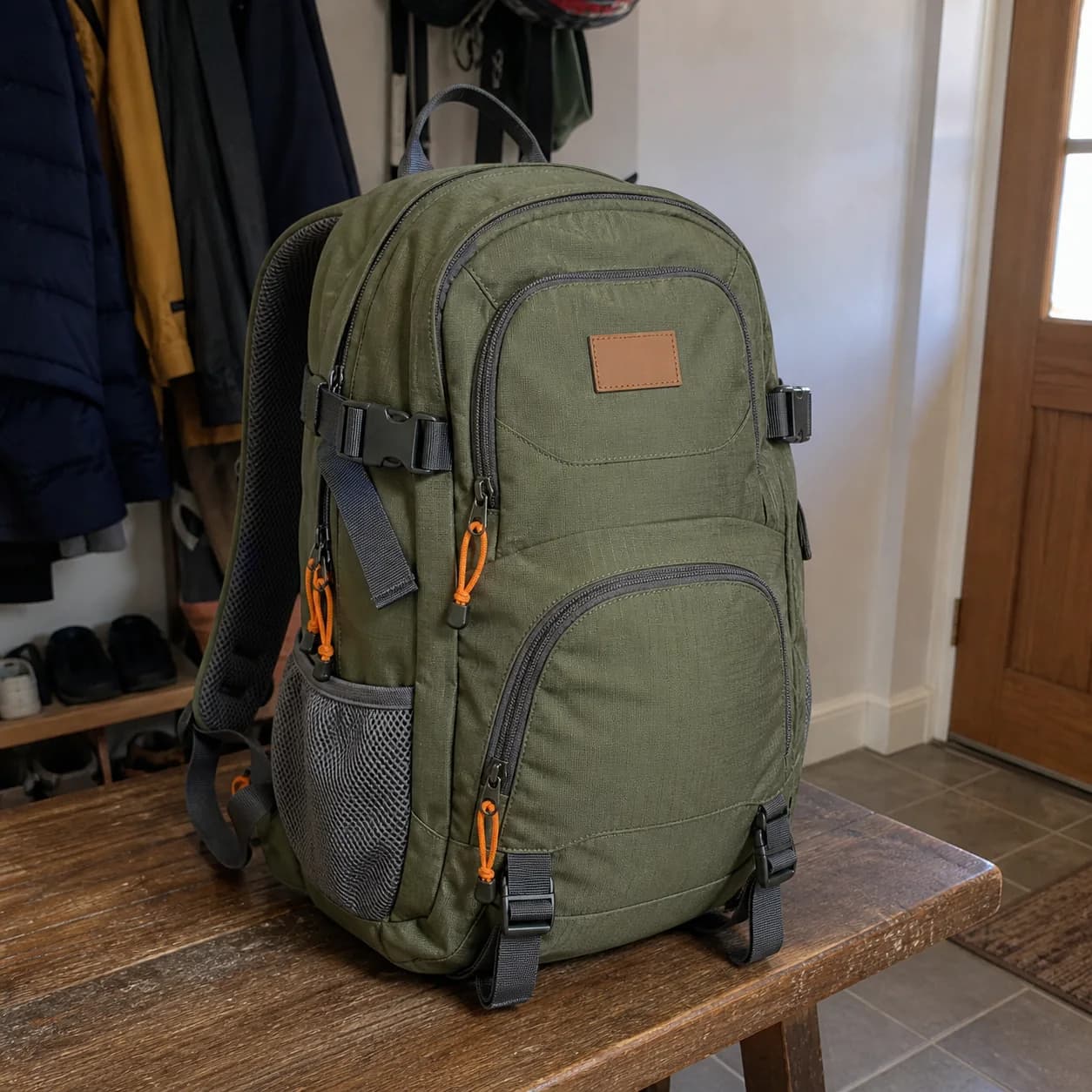
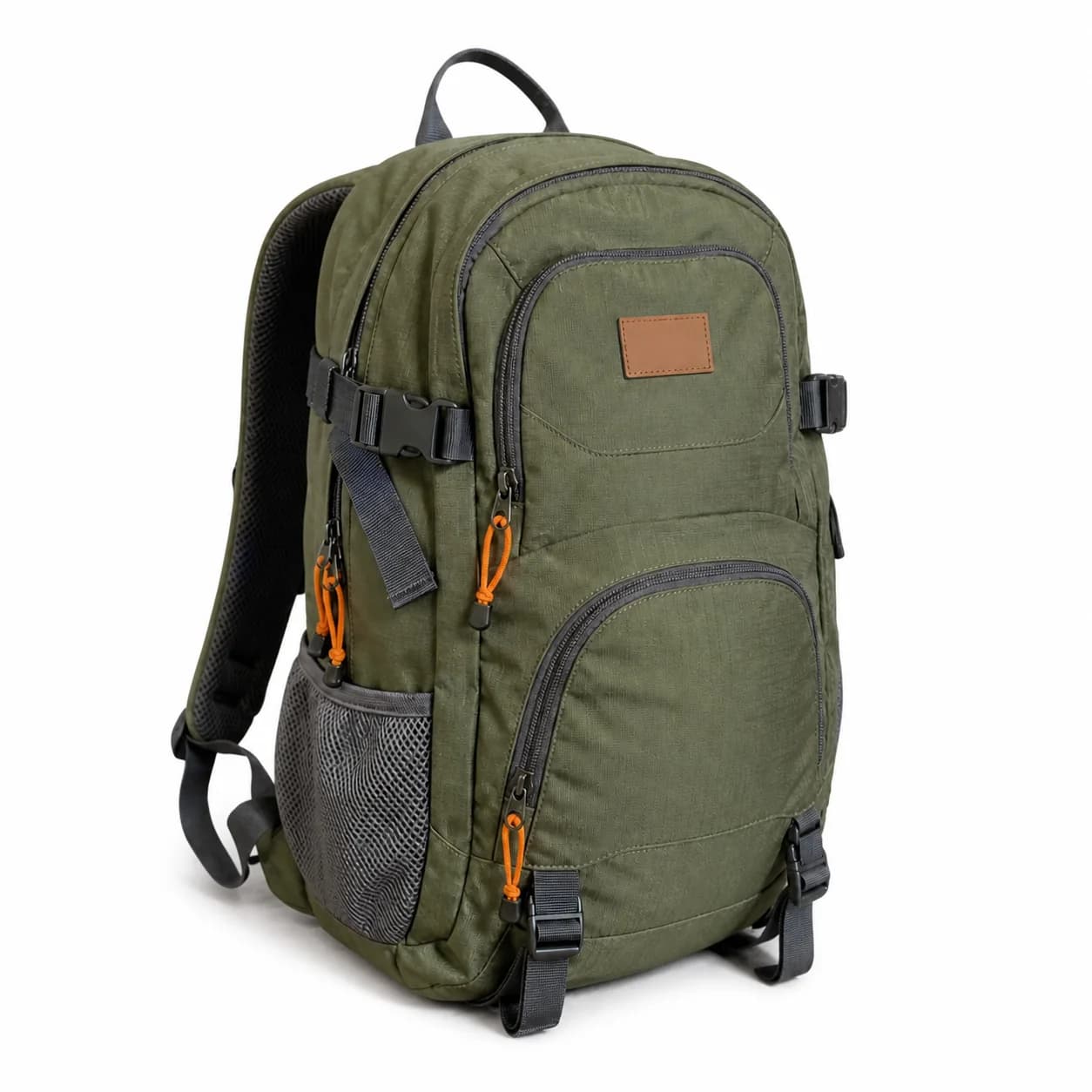
Product photos
Turn a product photo into a polished marketplace listing image.
Credits without a catch
There is no free tier and no subscription to manage. You pay only when you add credits, then choose exactly where to spend them.
Price preview
Before you create
Exact total
7 credits
Real example using Nano Banana 2.1 at 2K. The amount updates with your settings before anything runs.
A one-time checkout adds credits to your balance.
The model, size, quality, and number of results are priced before you create.
Credits never expire and work across models, tools, and templates.
No subscription
No automatic renewal
No ads
One balance for everything
Questions, answered
The short version: one studio, one credit balance, no subscription, no ads, and no mystery controls.
No. Nenis is a paid, credit-based studio. You choose a one-time credit pack before creating, and there are no ads or subscription plans.
No. Purchased credits remain in your balance until you use them, whether that is next week or next year.
The Create workspace calculates and shows a fixed credit price before each action. The model, quality, number of outputs, and optional extras can affect it.
Yes. The same balance works across GPT Image, Nano Banana, Seedream, upscaling, background removal, and every guided template.
Each provider supports a different set of formats and features. Nenis shows only the controls the selected model can actually honor.
Describe the person in your own words, or press Surprise me. Nenis shows four faces to choose from, then makes reference photos from the one you pick. Your AI influencer is then ready for photos and videos.
That is what the reference photos are for. Every photo and video you make with your influencer is built from them, so the face, hair, and build stay consistent. As with any AI result, check the details before you post.
Yes. Make a video from your words or a photo with Wan 3.0 or Gemini Omni, or use Put in a video to swap your influencer into a clip you filmed, keeping its movement and its sound.
No. Every AI influencer is a fictional adult. The builder does not take photos of real people, and descriptions that point to a real person or a minor are refused.
Add one garment per photo and Nenis prepares a clean cut-out, organises its details, and adds it to your searchable Closet. You can then combine those items into saved Looks.
No. The Look canvas helps you compare colour, silhouette, proportion, accessories, and layering. It does not make sizing or physical-fit claims.
No. Nenis never shows ads, and a credit purchase never starts a recurring charge.